
Download HootBar – Tweet Directly from Firefox Address Bar
Overview
HootBar is a lightweight Firefox add‑on that turns your browser’s address bar into a mini‑Twitter client. Designed for users who prefer quick, on‑the‑fly sharing, HootBar lets you compose and publish tweets without ever leaving the page you’re viewing. The extension captures anything you type into the address bar—whether it’s a URL, a short comment, or a full‑length tweet—and sends it straight to the Twitter account you’ve configured.
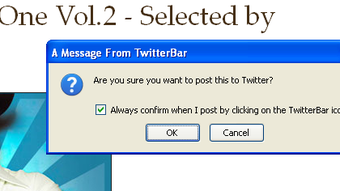
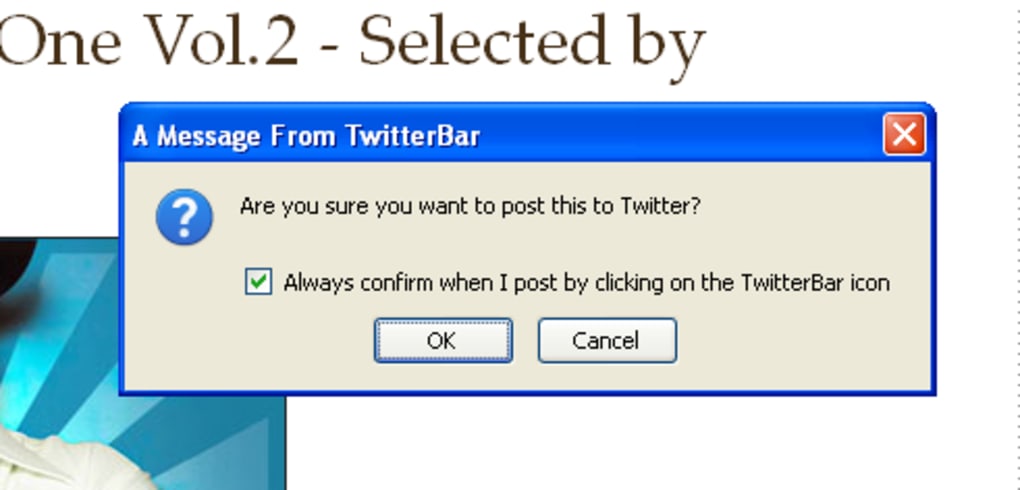
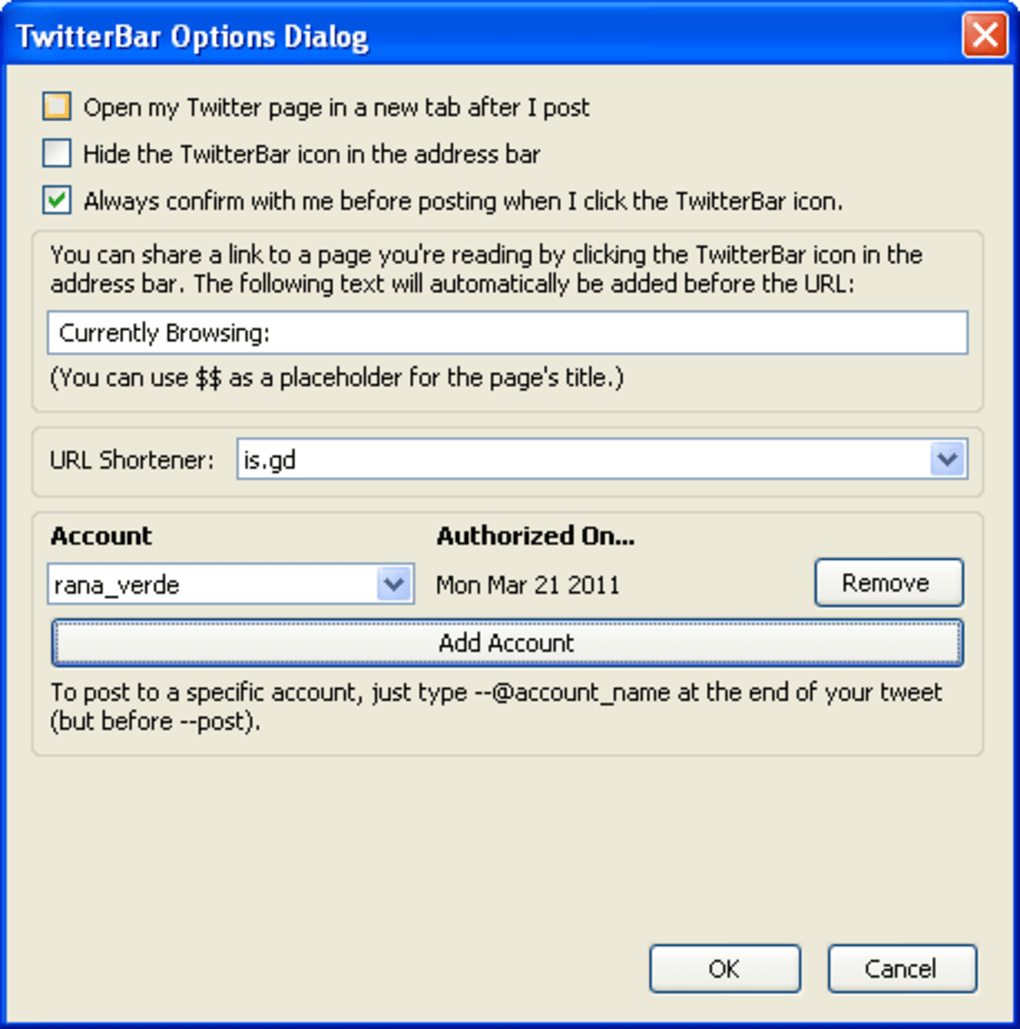
While the interface is intentionally minimal, HootBar packs several clever options: you can decide whether to open Twitter after posting, toggle a confirmation dialog before the tweet goes live, and even pre‑fill a custom message that appears automatically when you share a link. For power users, the add‑on supports multiple Twitter accounts, letting you direct a tweet to a specific profile simply by appending --@account_name to your text. A subtle hover‑over indicator shows the remaining character count, ensuring you stay within Twitter’s limits.
Overall, HootBar delivers a fast, secure, and unobtrusive way to keep your social feed active while you browse, making it an ideal tool for marketers, bloggers, and casual tweeters alike.
Key Features & Functionality
- Tweet URLs, plain text, or hashtags directly from the Firefox address bar.
- Multiple account support – specify the target account with
--@account_name. - Character‑counter tooltip that appears when you hover over the post button.
- Optional post‑tweet redirect to your Twitter timeline for quick verification.
- Toggleable pre‑tweet confirmation dialog to prevent accidental posts.
- Customizable default message that auto‑prepends to shared URLs.
- Hide/Unhide button for a cleaner toolbar when the add‑on is not in use.
- Lightweight design that consumes minimal memory and does not slow down browsing.
- Secure OAuth authentication with Twitter, ensuring your credentials are never stored locally.
- Automatic updates through Firefox’s add‑on marketplace, keeping the tool compatible with the latest browser releases.
Each of these features was built with simplicity in mind, but they also address real‑world tweeting scenarios. For instance, the multi‑account selector eliminates the need to log out and back in when managing personal and professional profiles. The custom default message saves time for users who frequently share articles, automatically inserting a short “Read this:” prefix before the link.
Because HootBar operates entirely within the address bar, you avoid the distraction of opening a new tab or window, which can be especially valuable during research or while monitoring live events. The add‑on’s discreet button can be hidden when you don’t need it, preserving the sleek look of Firefox’s toolbar while still providing instant access whenever you type “tweet:” followed by your content. Security is also a top priority; HootBar leverages Twitter’s official API, meaning authentication tokens are handled through OAuth and never exposed to third‑party services.
In short, HootBar combines a robust feature set with a minimalist footprint, making it a standout choice for anyone who wants a fast, reliable way to tweet without the overhead of a full‑featured social media client.
Installation, Usage & Compatibility
Getting started with HootBar is straightforward. First, open Firefox and navigate to the official Mozilla Add‑Ons page. Search for “HootBar” and click the Add to Firefox button. Firefox will prompt you to confirm the installation; after you accept, the add‑on downloads and installs automatically, placing a small bird icon at the far right of the address bar. No reboot is required, and the icon becomes active immediately.
Once installed, click the icon to open the configuration panel. Here you can sign in with your Twitter credentials using the secure OAuth flow. If you manage several accounts, simply repeat the sign‑in process for each; HootBar will list them and let you choose a default. You can also set your preferences: enable or disable the post‑tweet redirect, toggle the confirmation dialog, and define the default prefix for shared links. All settings are stored locally in Firefox’s profile folder, ensuring quick load times and offline accessibility.
To compose a tweet, click the address bar, type tweet: followed by your message, and press Enter. For example, tweet:Check out this article! https://example.com will post the text and URL in a single click. If you wish to send the tweet from a non‑default account, append --@account_name at the end: tweet:New product launch! --@BrandAccount. The character counter appears when you hover over the small “send” button that replaces the usual refresh icon, helping you stay within Twitter’s 280‑character limit.
HootBar is designed exclusively for the desktop version of Firefox on Windows, macOS, and Linux. It does not run on mobile Firefox or other browsers such as Chrome or Edge. Because it relies on Firefox’s built‑in extension APIs, you’ll enjoy seamless integration and automatic updates whenever a new version is released on the Mozilla marketplace. The add‑on is free to download and use, with no hidden fees or subscription required. Regular updates address bug fixes and keep the OAuth token handling compatible with Twitter’s evolving security policies.
Overall, the installation process takes less than two minutes, and the learning curve is minimal. Power users will appreciate the multi‑account syntax and the ability to hide the toolbar icon when not needed, while casual tweeters will love the instant posting capability that eliminates the need to open a separate Twitter tab. Compatibility with all major desktop operating systems ensures that anyone using Firefox can benefit from HootBar’s streamlined tweeting workflow.
Pros & Cons
Pros
- Lightning‑fast tweet posting directly from the address bar.
- Supports multiple Twitter accounts with simple command syntax.
- Minimalist UI that doesn’t clutter the Firefox toolbar.
- Secure OAuth authentication – no password storage.
- Customizable default message for link sharing.
- Free to download and use with automatic updates.
- Light on system resources – ideal for older machines.
- Character counter helps avoid truncation errors.
Cons
- Only works with the desktop version of Firefox; no mobile support.
- Limited to basic tweeting – no media upload or advanced tweet scheduling.
- Configuration UI is very simple; power users may miss deeper analytics.
- Cannot be used with other browsers like Chrome or Edge.
- Requires an active internet connection for each tweet.
Frequently Asked Questions
Is HootBar free or does it require a subscription?
HootBar is completely free to download and use. There are no hidden fees, premium tiers, or subscription plans. All features are available to any user who installs the add‑on from the Mozilla marketplace.
Can I post images or videos with HootBar?
No, HootBar is limited to text‑only tweets. It does not support media uploads such as photos or videos. If you need to share media, you’ll have to open Twitter in a separate tab or use the official Twitter app.
How does HootBar handle multiple Twitter accounts?
After you sign in with each account via the OAuth flow, HootBar stores them locally. To tweet from a specific account, append --@account_name to the end of your tweet in the address bar. The add‑on then routes the message to the chosen profile.
Is my Twitter password stored by HootBar?
No. HootBar uses Twitter’s OAuth authentication, which means your credentials are never saved or visible to the extension. Only an access token, managed securely by Firefox, is stored.
Will HootBar work on Firefox for Linux?
Yes. HootBar is compatible with the desktop version of Firefox on Windows, macOS, and Linux. As long as you’re running a recent version of Firefox, the add‑on should install and function without issues.
Conclusion & Call to Action
For users who value speed, simplicity, and security when sharing on Twitter, HootBar offers a uniquely efficient solution. By turning the Firefox address bar into a miniature tweet composer, the add‑on eliminates the need to switch tabs, open the Twitter website, or juggle multiple windows. Its multi‑account capability, character counter, and optional post‑tweet redirect cover the essential needs of both casual tweeters and professionals who manage several profiles. While the lack of media support and mobile compatibility may be a drawback for power users, the core functionality—quickly sending text‑based updates—remains solid and reliable.
If you spend a lot of time browsing with Firefox and want to keep your Twitter feed active without interrupting your workflow, HootBar is the tool to try. Download it today from the Mozilla Add‑Ons store, configure your accounts, and start tweeting with a single keystroke. Experience a faster, more streamlined way to share links, thoughts, and hashtags—right from the address bar.
Ready to boost your tweeting efficiency? Click the Download HootBar button now and join the growing community of users who tweet smarter, not harder.







